
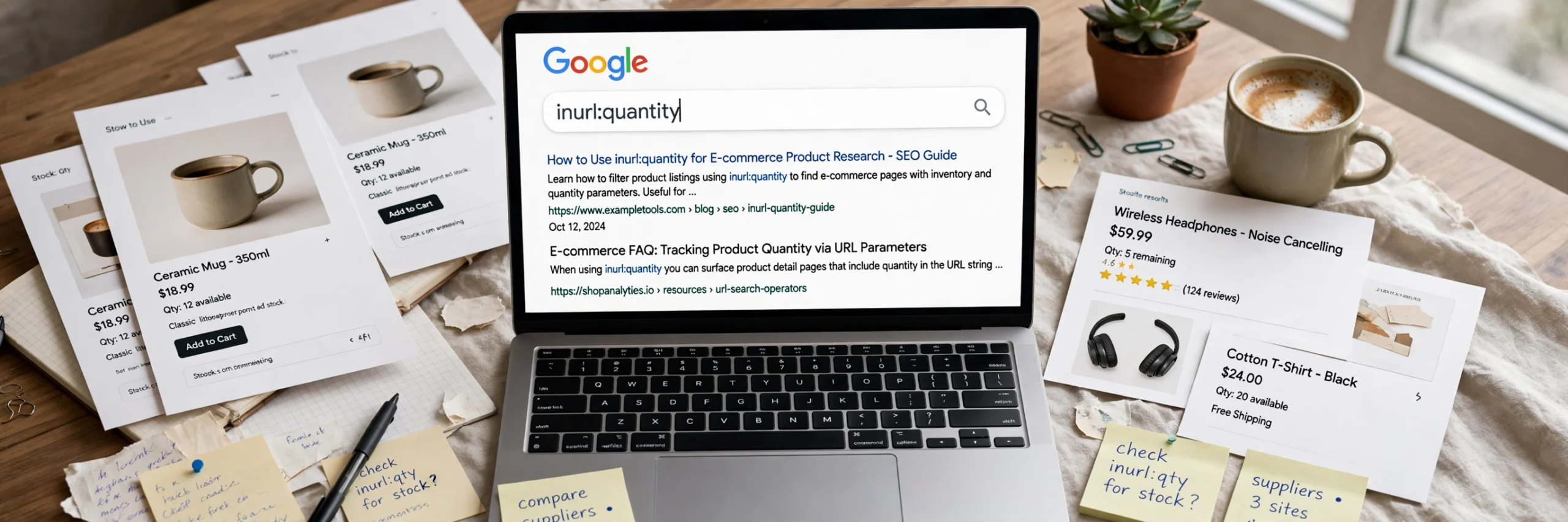
Type inurl:quantity into Google and you will not get articles about the word “quantity” at all. Instead, you get a strange mix of online shops, cart pages and inventory screens — pages most shoppers never notice, but SEO specialists quietly rely on.
This guide explains what inurl:quantity means, the syntax and variations worth knowing, and the practical jobs it is good for — from auditing your own store to studying how competitors build their product pages.
What Does inurl:quantity Mean?
inurl: is one of Google’s advanced search operators. It tells Google to return only pages that contain a specific word or string in their URL — the web address itself, not the page title or the body text.
So inurl:quantity means: “show me indexed pages that have the word quantity somewhere in their URL.”
Why does that produce so many shopping pages? Because e-commerce platforms build URLs that describe what a page does. Quantity selectors, cart links and checkout parameters often end up in the address bar, for example:
example-store.com/cart/12345:2— a Shopify cart permalink, where the number after the colon is the quantityexample-store.com/product/widget?quantity=1— a platform passing the chosen amount as a URL parameter- Inventory and stock-check pages on BigCommerce, WooCommerce and custom stores, where “quantity” appears in the path
In other words, this is not a search about quantity. It is a search for a type of page — any page whose URL gives away that it handles product quantities. Google documents operators like site: and filetype: in its Search Central guidance, and inurl: works on the same principle: filter by the structure of the page, not just its topic.
Exact Syntax and Useful Variations
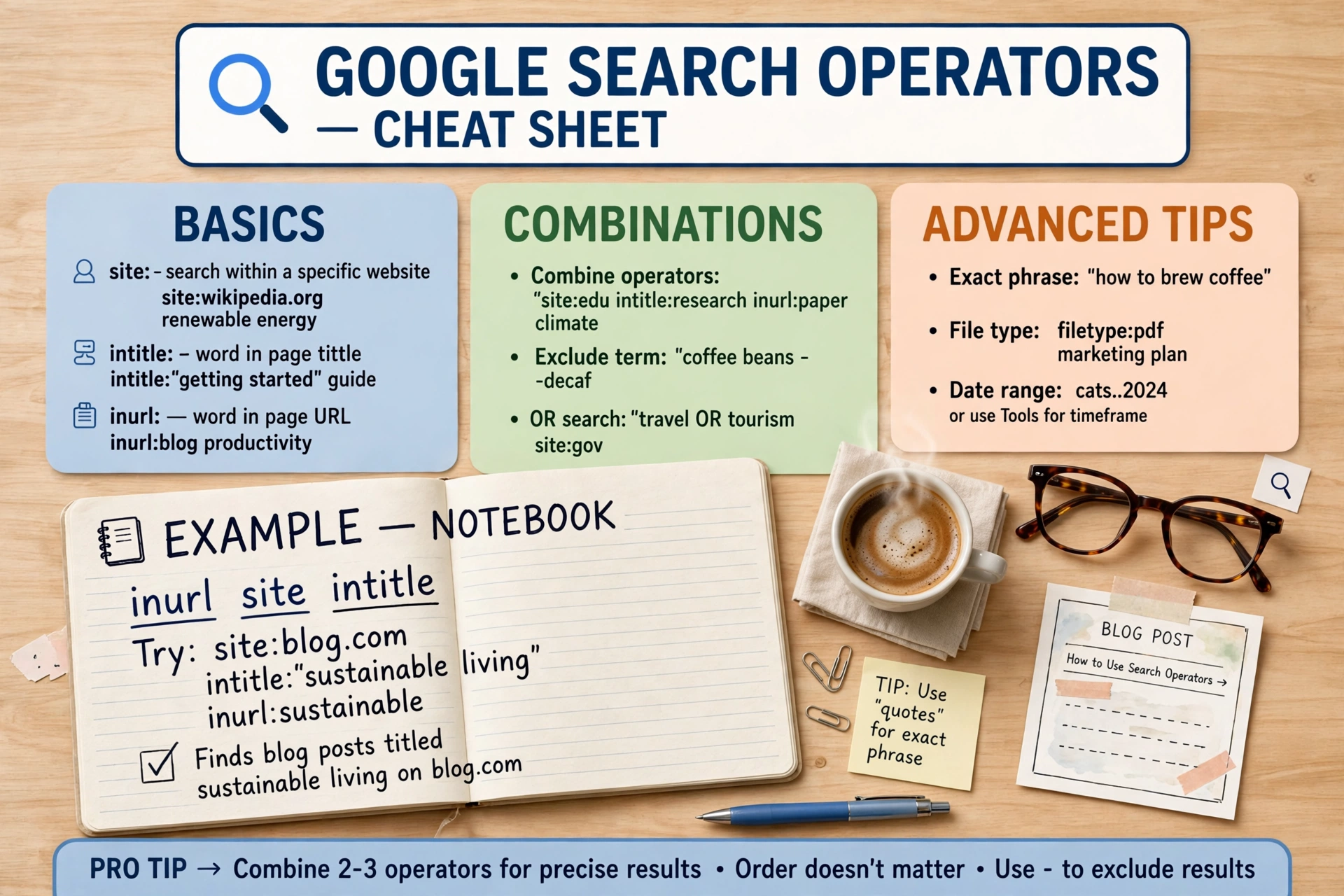
The basic rule is simple: no space between the operator and the word. inurl:quantity works; inurl: quantity does not. From there, you can stack operators for much more precise results.
- Single operator:
inurl:quantity— every indexed page with “quantity” in the URL. - Combine two inurl: operators:
inurl:quantity inurl:product— URLs containing both words, narrowing results to product-related quantity pages rather than help documents or maths worksheets. - Limit to one website with site:
site:yourstore.com inurl:quantity— the audit version, covered below. - Require a word in the title with intitle:
inurl:quantity intitle:cart— “quantity” in the URL and “cart” in the title tag. - Use quotes for an exact string:
inurl:"quantity"forces an exact match, andinurl:"add-to-cart"helps when hunting a specific hyphenated URL pattern. - Exclude the noise:
inurl:quantity -intitle:worksheet -intitle:quizstrips out the school and exam pages that creep in, because “quantity” is also a common maths word.
Practical Uses for inurl:quantity
1. SEO competitor research
Run inurl:quantity site:competitor.com and you can quickly find a rival store’s cart and product-page patterns without clicking through the whole shop. Compare how deep their URLs run, whether quantity choices live in clean paths or messy parameters, and which of those pages Google has indexed. It is a fast, free X-ray of a competitor’s store architecture.
2. Finding product and cart pages at scale
Market researchers and affiliates often need real product pages, not blog posts about products. Because quantity parameters appear on transactional pages, inurl:quantity combined with a product keyword — for example inurl:quantity headphones — surfaces buying pages directly, which is handy for price comparisons, outreach lists, or checking which retailers actually stock an item.
3. Auditing your own site’s indexed quantity URLs
This is where the operator earns its keep for store owners. Run site:yourstore.com inurl:quantity and look carefully at what comes back. Cart permalinks and parameter URLs are usually not pages you want in Google’s index at all. They can create duplicate content, waste crawl budget, and occasionally expose test or discount links you forgot existed. If dozens of quantity URLs from your shop are indexed, check your canonical tags, robots rules and internal linking. Think of it as a health check for the URL clutter that grows silently on e-commerce sites — the same way new platforms keep generating new page types, something we explored when exploring the online world of digital innovation.
4. Spotting feed and inventory patterns
The word “quantity” also lives outside the address bar. In Google Merchant Center, the quantity attribute tells Google how many units of a product are in stock at a store, working with the availability attribute for local inventory ads and free local listings. Searching with inurl:quantity often surfaces retailers’ inventory pages, making it a useful companion when researching how stores present stock levels before setting up your own feed.
Worked Examples
Example 1 — Auditing your own store
Query: site:mystore.com inurl:quantity
You find 40 indexed URLs, most of them cart permalinks. Action: confirm cart pages are set to noindex, check product pages use clean canonical URLs, and re-run the search in a month to confirm the clutter is dropping out of the index.
Example 2 — Researching a niche
Query: inurl:quantity inurl:product "running shoes" -worksheet
You get transactional product pages from multiple retailers instead of buying guides. Action: note the URL structures, price points and stock messaging each retailer uses.
Example 3 — Finding a specific pattern
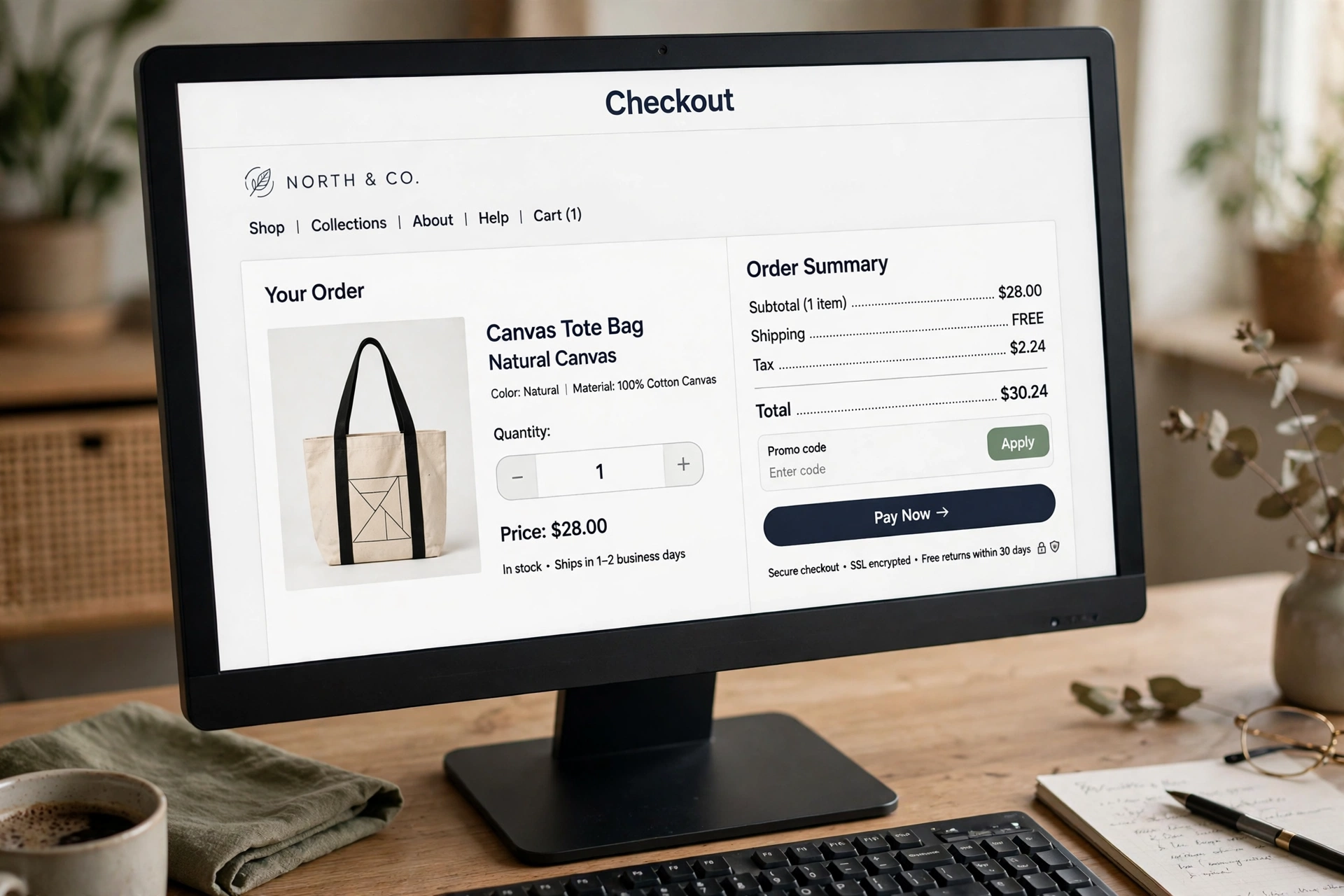
Query: inurl:"quantity" intitle:checkout
You narrow in on checkout-stage pages, useful when benchmarking how competitors design the final step of a purchase.
Common Mistakes to Avoid
- Adding a space after the colon.
inurl: quantitybreaks the operator. The word must touch the colon. - Expecting every matching page. Google shows a sample of its index, not a database export. Treat the result count as a rough estimate, never an exact figure.
- Forgetting the maths problem. Without exclusions, “quantity” pulls in exam papers and worksheets. Add
-worksheetor combine with e-commerce terms. - Assuming a match means a page sells something. Help pages and forum threads about quantity selectors also match. Open a few results before drawing conclusions.
- Using it once and never again. Indexation changes, so repeat an audit query after fixes.
Limitations You Should Know
Search operators are powerful, but they are not official reporting tools. Google has deprecated or quietly dropped several operators over the years — cache: and related: no longer work the way older cheat sheets describe, and Google’s own Search Central documentation now lists only a smaller, supported set for debugging, such as site:, filetype:, imagesize: and src:. The inurl: operator still works in everyday searching, but Google does not guarantee it, and results vary by location, language and how much of a site Google has crawled.
There is also a terminology trap. People land on searches like this after seeing a strange string in a URL, a log file or a line of code, and wondering what it stands for. We see the same curiosity with odd abbreviations, like readers asking what a random-looking term stands for. Usually the string turns out to be a small technical label doing a boring but important job — and quantity in a URL is exactly that.
Conclusion
inurl:quantity looks like a typo, but it is really a filter that separates transactional pages from everything else Google has indexed. Used on its own, it reveals how e-commerce platforms build cart, product and inventory URLs. Combined with site:, intitle: and exclusions, it becomes a practical tool for competitor research, market scans and — most valuable of all — auditing your own store for quantity URLs that should never have been indexed.

Frequently Asked Questions
What does inurl:quantity do in Google?
It returns pages containing the word “quantity” in their URL. Because stores put quantity in cart links, product parameters and inventory pages, most results are e-commerce related rather than pages about the meaning of the word.
Why do I see maths worksheets in my results?
“Quantity” is a common word in exam questions. Exclude them with -worksheet -quiz, or make the search more commercial by adding inurl:product or a product keyword.
Can I use inurl:quantity on my own website?
Yes — that is one of its best uses. Search site:yourstore.com inurl:quantity to see which quantity, cart or parameter URLs Google has indexed from your shop, then fix any that should be excluded with canonical tags or noindex rules.
What is the difference between inurl: and allinurl:?
inurl: applies to the single word after it; other query words can match anywhere on the page. allinurl: requires every word after it to appear in the URL — stricter, and usually far fewer results.
Is inurl: still supported by Google?
It still works in normal searches, although Google’s official documentation focuses on a smaller operator set such as site: and filetype:. Because Google has retired operators before, treat inurl: as a research shortcut, not a guaranteed reporting tool.
References
- Google Search Central — Debugging with Google Search Operators: https://developers.google.com/search/docs/monitor-debug/search-operators
- Google Search Help — Refine Google searches: https://support.google.com/websearch/answer/2466433?hl=lt
- Google Merchant Center Help — Quantity [quantity] attribute: https://support.google.com/merchants/answer/13475891
- Shopify Community — Removing the quantity selector on the cart page: https://community.shopify.com/t/removing-quantity-selector-on-cart-page-when-current-variant-inventory-quantity-is-equal-to-1/67175
- Ahrefs — Google Search Operators: The Complete List: https://ahrefs.com/blog/google-advanced-search-operators/